This article contains Amazon affiliate links. As an Amazon Associate we earn from qualifying purchases.
In short :
- Hanging your TV frees up floor space and looks clean, but a stand keeps the screen at eye level and gives you storage.
- Measure your TV first: pick a cabinet at least 20–30 cm wider than the screen on each side.
- Your eyes should sit level with the middle of the screen when you’re seated, so check your sofa height before you buy.
- Count your devices honestly and check your socket positions — those two things rule out most wrong options fast.
- If you rent or have plasterboard walls, a stand is usually the simpler, safer choice.
Is it better to hang a TV or put it on a stand?
Hanging a TV frees floor space and gives a clean, hotel-like look, while a stand keeps the screen at eye level, hides cables and devices, and lets you move everything without drilling. The right choice depends on your wall, your seating height and how much gear you need to store.
Choosing a TV stand or cabinet is really a question of fit: fit with the screen, fit with the room, and fit with the way you actually live. A cabinet that looks perfect in a showroom can block a radiator, swallow a doorway or leave your soundbar dangling off the edge. This guide focuses on the practical decisions that matter — height, width, storage and cable management — so you can narrow your options quickly and avoid a return trip to the shop.
Start with the screen, not the furniture
Measure the television first. The stand or cabinet must be at least as wide as the TV’s base, and ideally wider than the screen itself for visual balance.
A common mistake is buying a unit the same width as the screen. It looks cramped, and there’s no room for speakers or a plant. Aim for a cabinet that is 20–30 cm wider than the TV on each side if space allows. Also check the depth: a deep cabinet pushes the screen forward, which is fine in a large room but awkward in a narrow one.
For height, the general rule is that your eyes should sit level with the middle of the screen when you’re seated. If your sofa is low, a tall cabinet forces you to look up; if it’s deep and reclined, a low unit makes you crane your neck. A practical example: in a living room with a standard three-seater sofa, a cabinet around 50–60 cm high usually puts the screen at a comfortable viewing angle. Sit on your own sofa with a tape measure before you commit.
How much storage do you actually need?
Count the devices you’ll hide, then add one spare shelf. That’s the honest number.
Most households run a streaming box, a router, a games console and a soundbar. Each needs ventilation, and consoles need more than you’d think — a closed cupboard with no airflow turns into a hot box. Look for units with open shelves at the back, slatted doors or rear cut-outs. A real-world case: a family with two consoles and a router chose a cabinet with two cupboards and one open central shelf, keeping the noisy devices behind doors and the frequently used one in the open. That balance works well for most homes.
Cable management is the detail people forget. Check for rear cable entry holes and enough clearance behind the unit for plugs. If your wall sockets sit low, a cabinet with a solid back panel will need to stand away from the wall — measure that gap before buying.
What is a TV stand with cabinets called?
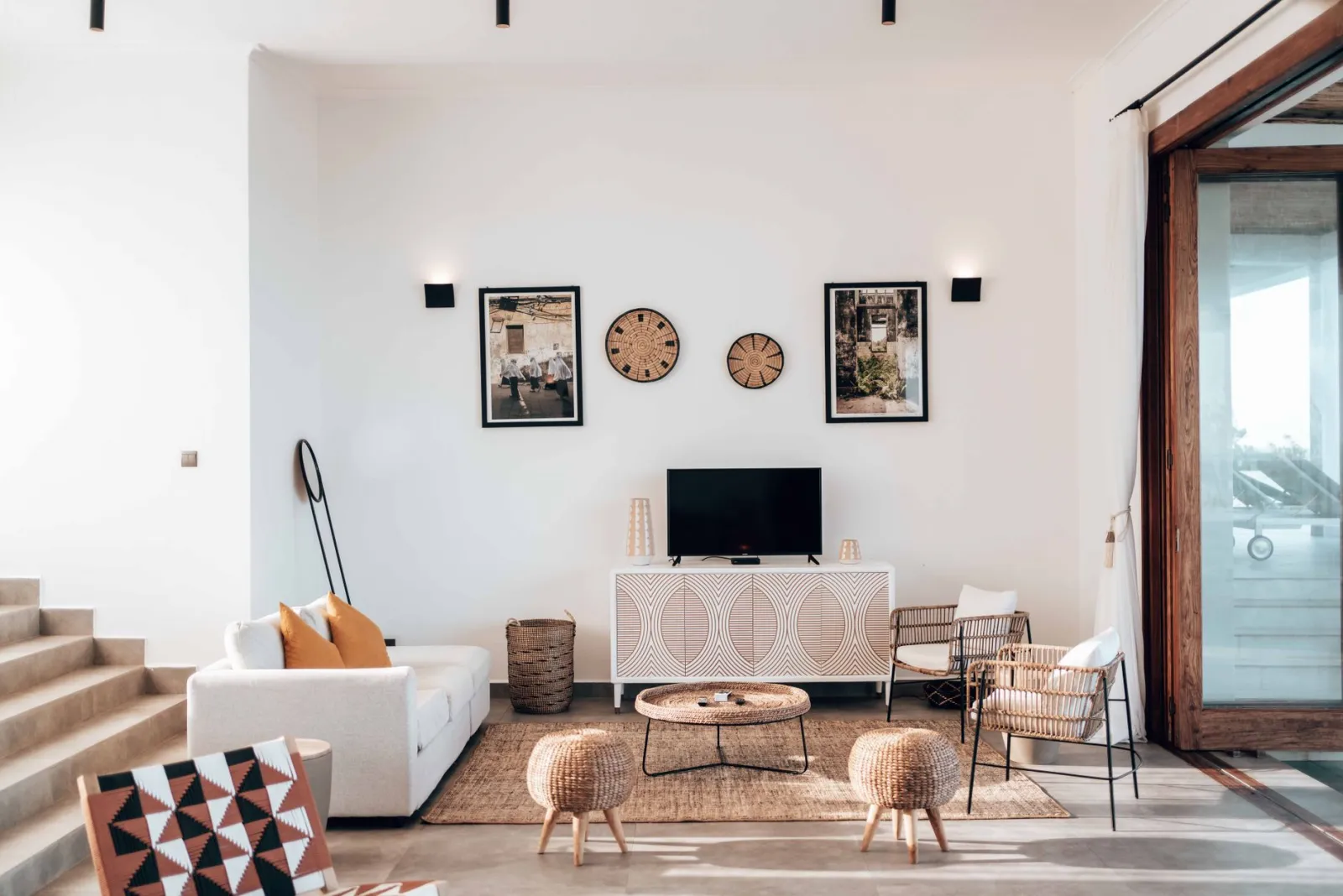
It’s usually sold as a media unit, media console or TV cabinet — the names are interchangeable, and the storage layout is what really differs.
You’ll see three broad types on the market:
- Open TV stand: shelves only, cheapest and airiest, but everything is visible and dust collects fast.
- Media unit with cupboards: closed doors hide clutter, ideal if you dislike visible cables and boxes.
- Modular or modular-style system: stackable sections you arrange to fit your wall, useful in awkward alcoves.
A quick comparison helps clarify the trade-offs:
| Type | Best for | Watch out for |
|---|---|---|
| Open stand | Small rooms, minimal look | Visible clutter, dust |
| Cupboard media unit | Family rooms, hiding devices | Poor ventilation if doors are solid |
| Modular system | Alcoves, long walls | Assembly time, alignment |
| Corner unit | Tight layouts | Limited width for large screens |
What to do instead of a TV stand?
Wall-mounting, a floating shelf, a projector setup or a built-in alcove are all workable alternatives — each solves a different problem.
If floor space is tight, wall-mounting the screen and running cables through the wall gives the cleanest result, though it needs a suitable wall and a bit of planning. A floating shelf under the TV holds a streaming box without eating floor space. In a rented flat where drilling isn’t allowed, a slim corner unit or a low bench with baskets can do the job without damage. And if you’re rethinking the room entirely, a projector and pull-down screen removes the furniture question altogether.
One observation from everyday setups: people who switch to wall-mounting often miss the storage more than the stand itself. If you go that route, plan where the router, console and cables will live before you take the old unit out.
FAQ
Is it better to hang TV or put on stand?
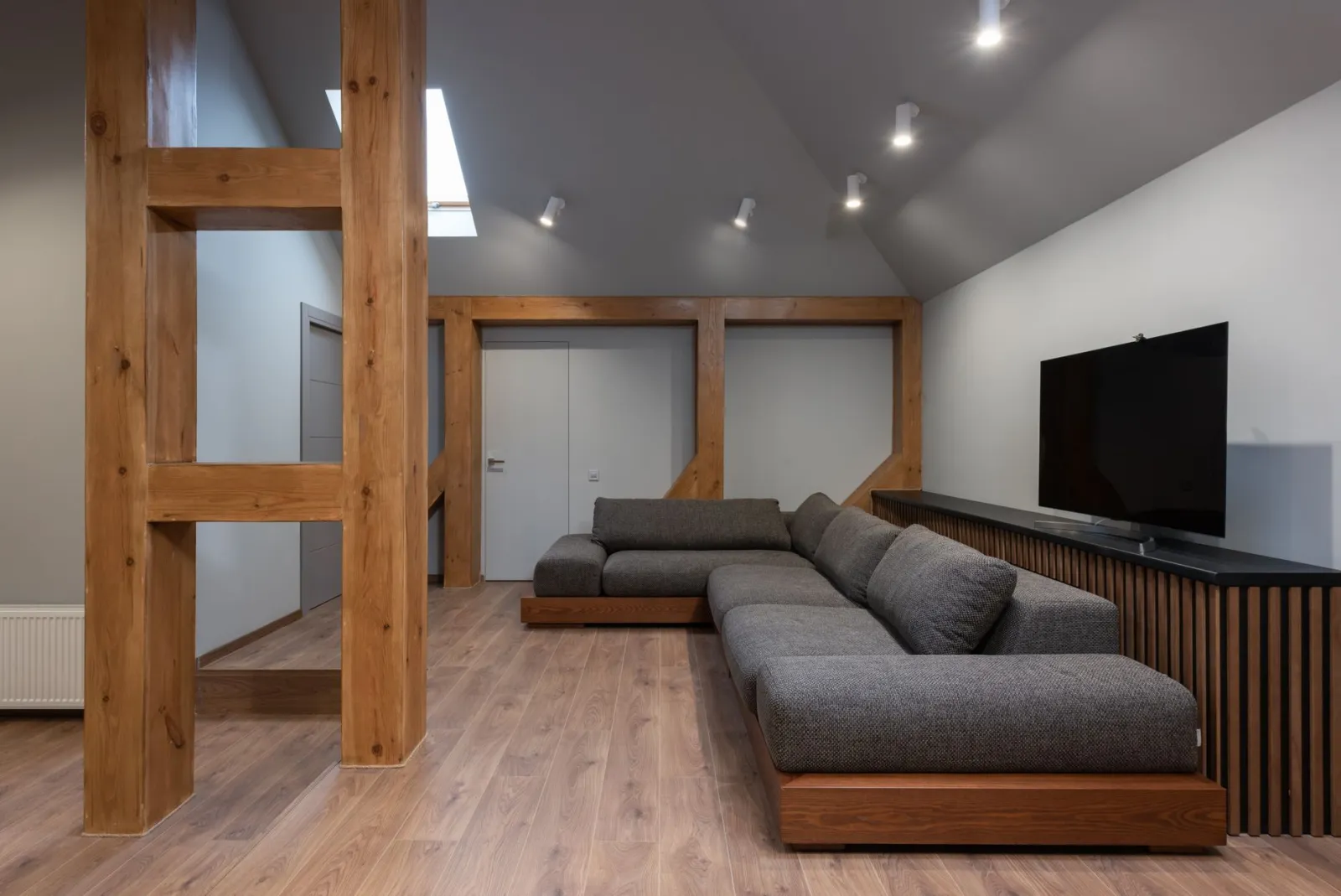
Hanging suits rooms where floor space is precious or you want a clean look, and it keeps devices out of reach of small children. A stand is easier to install, movable, and gives you storage for equipment. If your wall is plasterboard or you rent, a stand is usually the simpler, safer choice.
What is the best TV stand in the UK?
There’s no single best — the right one matches your screen size, room layout and storage needs. In the UK, look for units with rear cable entry, ventilated cupboards and a width at least 20 cm wider than your TV on each side. Measure your alcove and socket positions first; those two numbers rule out most unsuitable options fast.
What to do instead of a TV stand?
Wall-mount the screen, use a floating shelf for devices, place a low bench with baskets in a rental, or switch to a projector. Each removes the furniture footprint but changes where your equipment lives, so plan storage before you commit.
The bottom line
Choosing a TV stand or cabinet comes down to three measurements and one honest count: screen width, seating height, socket position, and the number of devices you need to house. Get those right and the shortlist becomes obvious. For a broader look at room layout, cable routing and furniture pairing, a more complete guide on TV stands and media furniture is available on the site.
Was this guide helpful?
Share your experience with the WiseHomeGuides community.